
Beyond eForms: How a Submitted Form Becomes a Completed Business Outcome
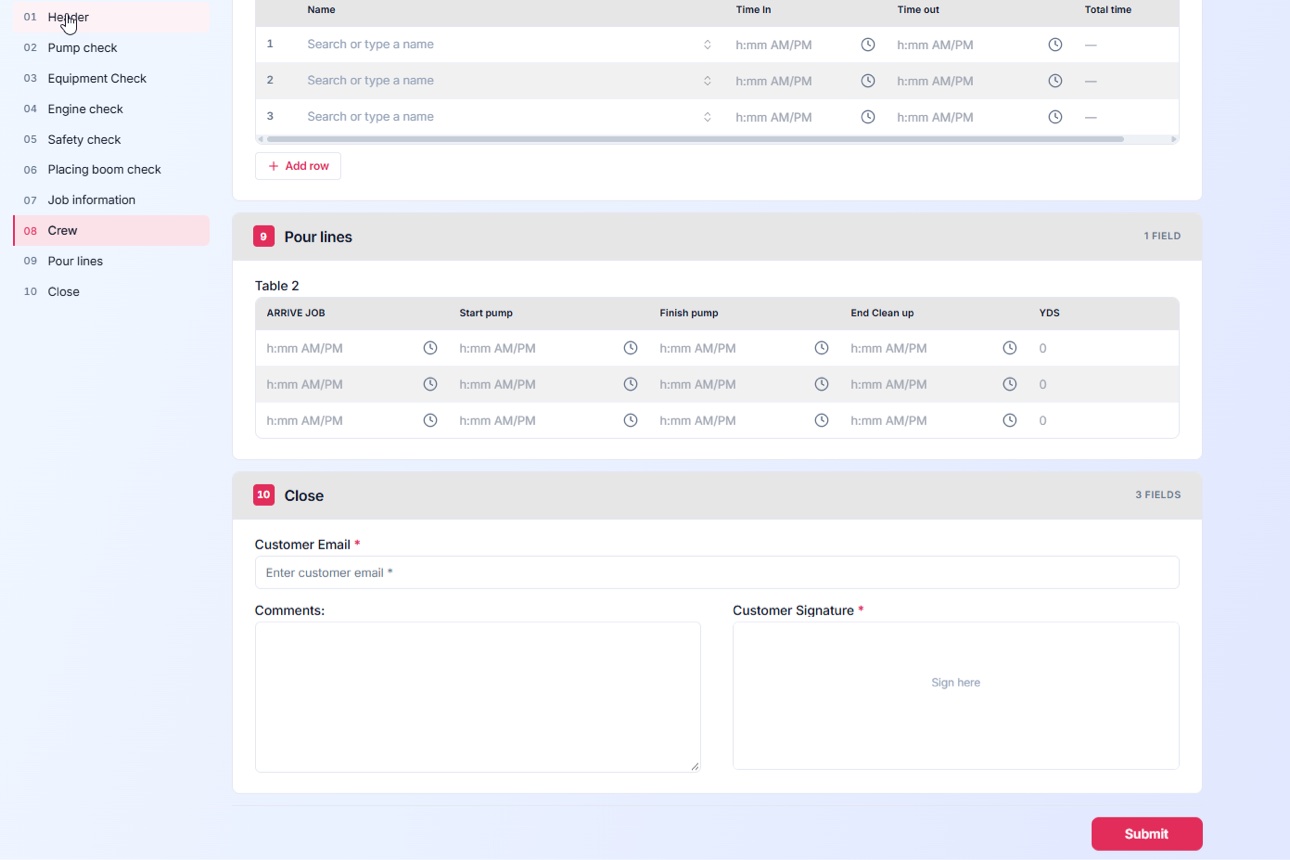
Most eForms programs celebrate the wrong moment: the submission. A clean digital form replaces a paper one, the data arrives neatly typed — and then it sits in an inbox while someone figures out what happens next. The form was collected. The work didn’t move.
MaxxLaunch™ doesn’t just collect information. It launches the outcome.
The problem with forms that stop at “submit”
Digital intake forms solved handwriting and lost paperwork. But in most organizations, submission is where automation ends and manual coordination begins: download the PDF, forward it for approval, chase a signature, re-enter the data into another system, file the result somewhere. Every hand-off is a delay and a chance for the request to quietly stall.
The person who submitted the form doesn’t experience any of that as “digital.” They experience it as waiting.
Form-to-workflow automation, step by step
With form-to-workflow automation, the submission is a starting gun:
Launch. The moment a form is submitted, the right workflow starts — no inbox triage, no manual routing. Rules read the submission itself: request type, amount, location, urgency.
Route and approve. Approvers receive the form and its data together, in sequence or in parallel, with reminders and escalation when a step waits too long. Every decision is recorded.
Sign. eForms with digital signatures keep approvals and agreements inside the same process — no printing, no separate signing chase, no detached signature page to file later.
File and finish. The completed packet — form, approvals, signature, and a generated PDF record — is filed automatically in the Outcome Repository™, indexed by its own data. And the whole journey counts as exactly one outcome, whether it took two steps or twenty.
Because MaxxLaunch™ is a no-code form and workflow builder, the people who own the process can design and adjust both the form and the workflow behind it — without a development project every time a field changes.
One form, one outcome: patient intake
A clinic’s intake packet shows the pattern. The patient completes one intelligent form. On submission, the packet is verified, routed for insurance review, signed where required, and filed to the patient’s record. The outcome: “Patient registered” — counted once.
Compare the count to the experience: one submission, one completed result, zero re-keying, and front-desk staff who can see exactly where every packet stands instead of searching inboxes.
What to look for in your next forms platform
Ask three questions of any eForms tool: What happens automatically in the five minutes after submission? Where does the signed, completed record live — and can anyone find it a year later? And how is the finished work counted and reported? If the answers end at “you get an email,” you’re buying a clipboard, not automation.
Your forms are the front door to your processes. Make sure something is on the other side of the door. See how MaxxLaunch™ turns submissions into completed business outcomes.
Business Outcomes. Delivered.