
Loan Files That Arrive Complete: Document Collection for Lenders
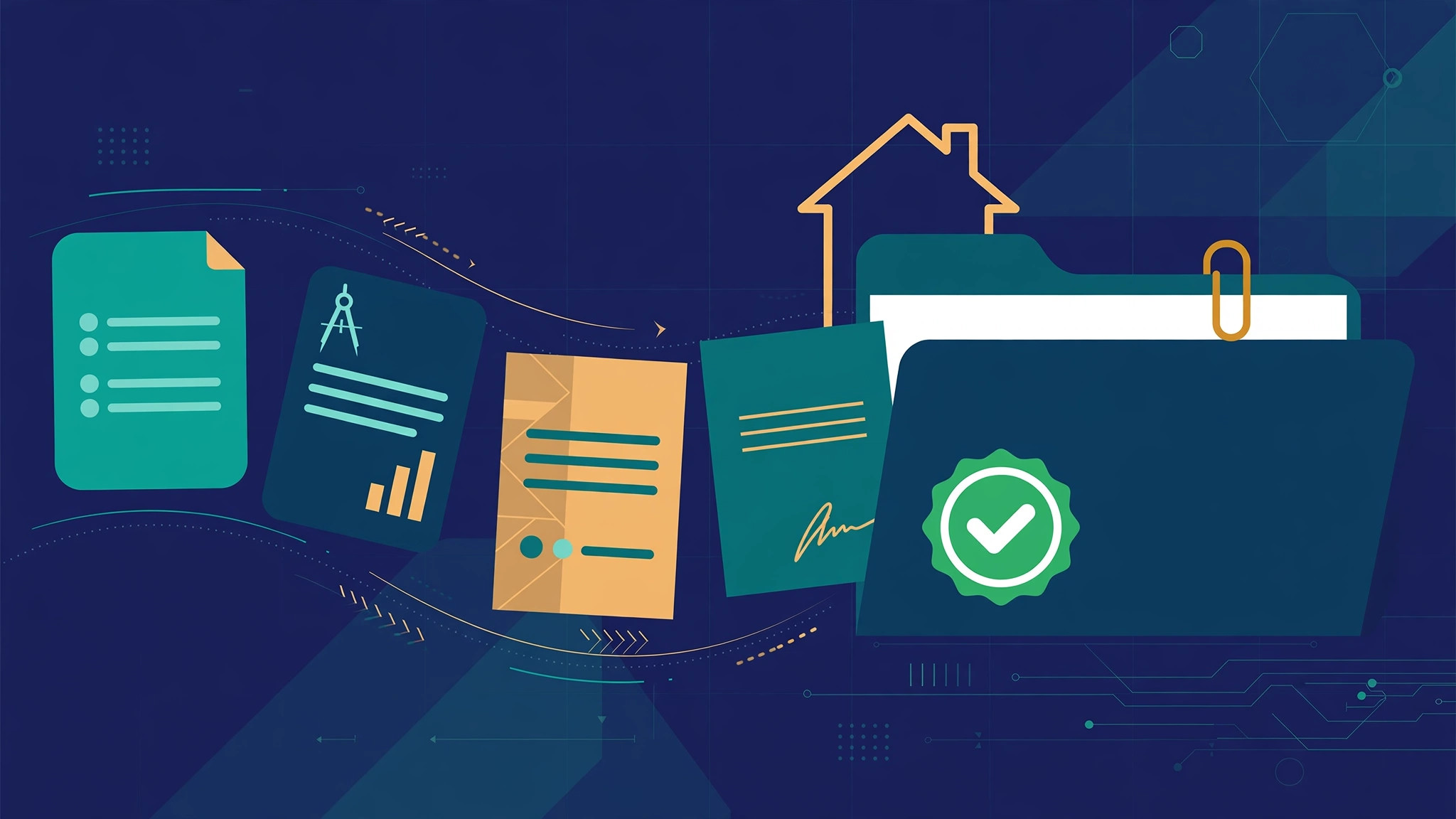
A loan file sits open on a Monday morning with half of what underwriting needs. The application is signed. The pay stub is from last month. The tax return is a photograph of page one. The bank statement covers the wrong period, and the appraisal has not arrived at all. Nobody has declined this loan. Nobody can approve it either, because until the file is complete, the decision has to wait.
That is where lending work most often stalls. It rarely stalls on the decision itself. It stalls on the unglamorous work of collecting the right documents, checking what arrived, and knowing exactly what is still missing.
Where loan files actually stall
A loan is a file before it is a decision. Every approval rests on evidence: pay stubs, tax returns, bank statements, identification, appraisals, title work, and whatever else the loan type and the borrower’s situation require. Those documents do not arrive together. They arrive piecemeal, over days, through whichever channel is easiest for the borrower at that moment.
Each arrival creates a small piece of work. Someone has to open it, identify what it is, connect it to the right borrower and the right file, check it against what was requested, and record that it is in. When that tracking lives in an inbox, a spreadsheet, or someone’s memory, the picture of the file fragments. One person knows the appraisal arrived. Another is still waiting for it. The borrower gets asked for a document they already sent, and the file loses another day.
The problem compounds as the file grows. A document that was acceptable when it arrived can expire while the rest of the file is being assembled. A corrected version can sit beside the original with nothing to say which one governs. By the time the file reaches underwriting, the first job is not evaluating the loan. It is reconstructing the file.
What “complete” actually means
Complete does not mean a large pile of documents. It means a specific set, defined by the loan type, with every item present and checked. A document can be physically in the file and still not count, because it is expired, because it covers the wrong period, because pages are missing, or because the name on it does not match the borrower on the application.
This is the distinction at the center of how MaxxLogix defines its work. An outcome is not the document. An outcome is what got done with it. For a lender, the outcome is a complete, underwrite-ready file: every required document in, every check passed, and a clear record of how the file got there.
That definition gives staff a live picture with three distinct states, and the distinction matters because each state calls for a different action:
- In and passed. The document arrived, it was classified correctly, and it passed its checks.
- Outstanding. The document has not arrived yet, and the next step is a request or a reminder.
- In but failed a check. Something arrived, but it is expired, covers the wrong period, is incomplete, or carries a name mismatch, and the next step is a specific correction.
Treating those as one bucket called “pending” is how files stall quietly. Separating them is how files keep moving.
The collection lifecycle, step by step
Loan document collection automation works when the whole lifecycle runs as one connected process rather than a series of handoffs. MaxxLogix is a documents-and-data platform, and Outcome Cloud™ is where that lifecycle runs end to end, from the first request to the finished file handed to underwriting.
Start with the checklist for the loan type
Collection begins with a precise request, and a precise request begins with the checklist for that loan type. A purchase, a refinance, and a construction loan do not ask for the same evidence, and the same loan type can ask for different evidence depending on the borrower’s employment and income picture. The checklist is the governing reference for everything that follows.
A good request names each document, the period it must cover, and what will make it acceptable. That clarity pays for itself immediately. Borrowers send better documents when they know what “correct” looks like, and staff spend their time checking exceptions instead of interpreting vague requests.
Take documents in across every channel
Borrowers send documents the way they can, not the way a process diagram prefers. A pay stub comes through a portal upload. A tax return arrives by email. An appraisal comes from a third party. A signed form is scanned at a branch. Intake has to accept all of it and bring it into one file, so the completeness picture never depends on which door a document came through.
At intake, IDP Outcomes™ reads each document and extracts the information that identifies it: whose it is, what it is, and the dates and periods it covers. That extracted information is what makes the next step possible, because a document cannot be checked against a checklist until the platform knows what it is holding.
Classify and check against the checklist
Each document is classified against a checklist item, and then the checks run. Is it current, or has it expired? Does the statement cover the period the checklist requires? Are all the pages present? Does the name match the borrower on the application? Does the information on the document agree with the information the file already holds?
Matching is where those comparisons happen, validating what arrived against the governing documents for the loan. The result is not a stack of files with a hopeful note attached. It is a checklist where every line has a status, and every status can be explained.
Chase exceptions specifically
When something is outstanding or has failed a check, the follow-up should be as specific as the problem. “We still need your bank statement” restarts a guessing game. “The March statement is in, but page two is missing” tells the borrower exactly what to send, and it is the kind of message that gets answered.
Outcome Workflows™ routes the work that follows from each exception: the follow-up to the borrower, the review task for staff, and the approvals the file needs along the way. The exception stays attached to the file and to the checklist item it belongs to, so nothing depends on someone remembering to check an inbox. Staff open the file and see what is missing, why it matters, and what has already been asked for.
Hand a finished file to underwriting
When every checklist item is in and passed, the file moves to underwriting as one complete package. Outcome Repository™ files the result, so the documents, the checks they passed, and the history of the collection all stay together and can be retrieved as a single record.
The underwriter’s first job is now the loan itself. If a question comes up about a document, the answer is in the file: what arrived, when, and what it was checked against. And because work in Outcome Cloud™ is counted in Outcomes, each completed file is a completed unit of work the operation can see, count, and manage.
Lending is one of the 15 common areas where this pattern applies, because the pattern is not really about loans. It is about any process where work cannot finish until a defined set of documents is present, correct, and checked.
Get files that arrive complete
If your team spends its days reconstructing files and chasing documents borrower by borrower, the fix is a collection lifecycle that requests precisely, checks automatically, and shows the state of every file at a glance. Talk with MaxxLogix about loan document collection for your operation, and explore the verticals hub to see how the same approach fits the other areas you serve.
Business Outcomes. Delivered.