
ADA Title II Document Accessibility: The Platform Side of the Deadline
The deadlines are set. Under the ADA Title II rule, state and local entities serving 50,000 people or more must meet WCAG 2.1 Level AA by April 26, 2027; smaller entities and special districts follow by April 26, 2028. Our earlier article, The Deadline Moved. The Documents Didn’t., covered what that means for the documents themselves — the PDFs, packets, and records a government has already published.
This article covers the other half of ADA Title II document accessibility: the platform your staff and your public actually work in. A remediated PDF does a resident no good if the portal she uploads it through cannot be operated with a keyboard, or the form he must complete announces none of its fields to a screen reader. The rule names WCAG 2.1 Level AA as the standard — and the systems an entity buys are part of how it meets that standard. Section 508 makes the same demand of federal agencies: buy and use accessible technology.
Scope first: which features carry the obligation?
Accessibility claims are only useful when they name their scope. In MaxxLogix® Outcome Cloud™, the WCAG 2.1 evaluation covers the six core user features — the screens people use to do the work:
- Login — sign-in, password visibility, validation messages, password reset, session timeout
- Search — criteria, saved searches, full-text and metadata results, sorting and filtering
- Document viewing — opening documents, page navigation, zoom, toolbar, download
- Indexing — entering and editing metadata, lookups, required fields, validation, saving
- Workflow tasks — opening assigned tasks, reviewing documents, choosing actions, completing or returning work
- E-forms — completing fields, file upload, typed or uploaded signature, submission and confirmation — the feature the public touches directly
Administration and configuration tools sit outside that scope, and we say so. The most recent evaluation, on Outcome Cloud™ Version 2.0 in November 2026, found the tested features support the WCAG 2.1 Level A and AA criteria, with one exception stated openly: criterion 1.4.10 Reflow is partially supported — most content reflows at 400% zoom, some screens still need sideways scrolling, and a fix is in progress. An Accessibility Conformance Report based on VPAT® 2.5 is available on request, which matters because state and local procurement increasingly requires exactly that document, plus a written commitment to fix gaps.
What support looks like in daily use
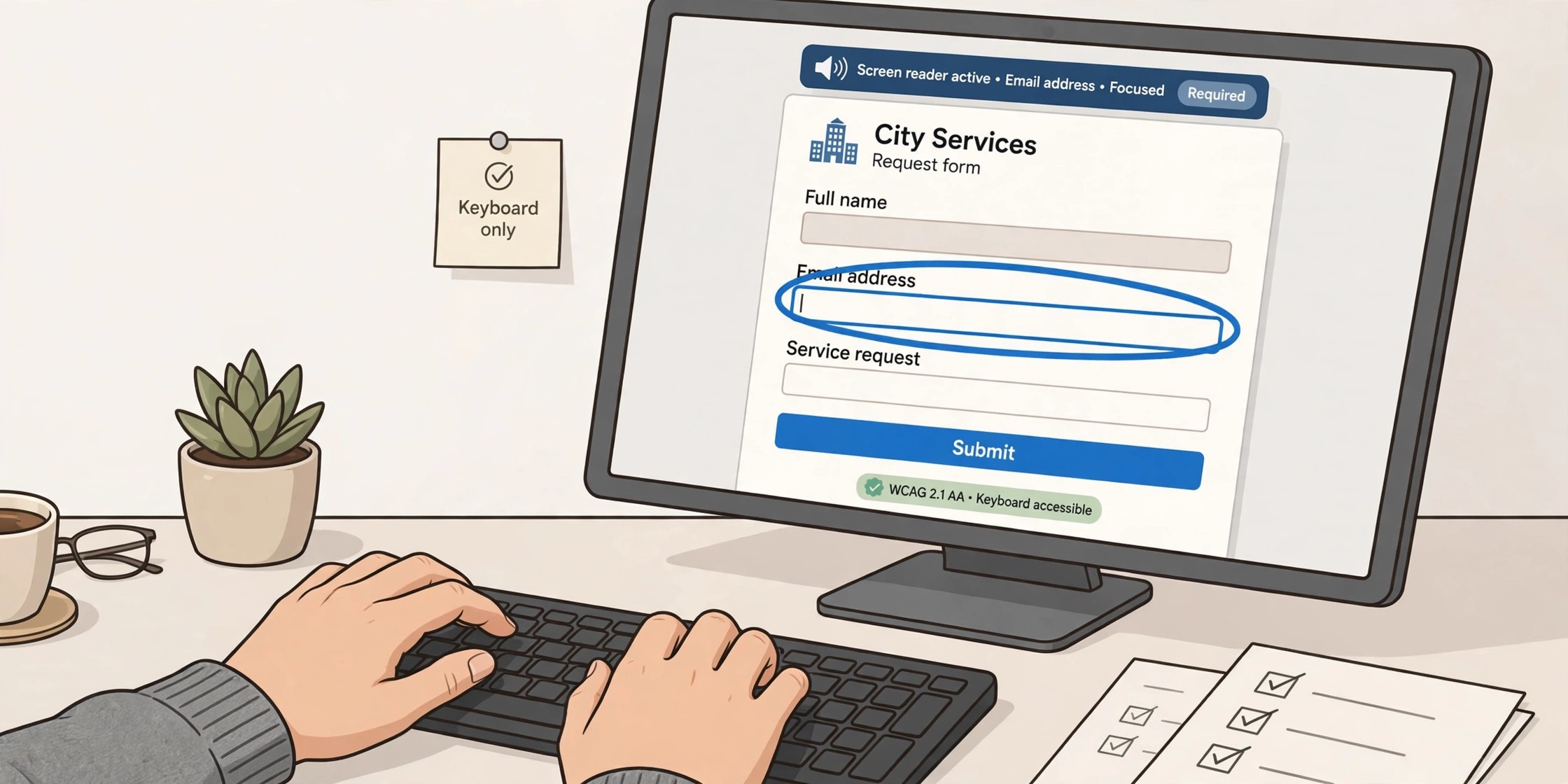
Standards language can hide the practical question: can a person complete the task? The features above were tested by hand, task by task, the way people use them — with a keyboard alone, and with the NVDA and Windows Narrator screen readers in Chrome and Edge. What that testing verifies:
- Full keyboard operation — every function in the tested features works with Tab, Shift+Tab, Enter, Space, arrow keys, and Esc, with no keyboard traps
- Announced, not implied — fields, buttons, and icon actions announce their names, roles, and states; errors and status messages are announced, not shown only in color
- Orientation — a “Skip to main content” link, page landmarks, and a descriptive title on every screen, so users always know where they are
- Visible focus — a clear focus indicator shows which control is active, including menu buttons that appear on hover
- Forgiving sessions — users are warned before a session ends and can extend it from the keyboard, so a long form is not lost
- Signatures with alternatives — e-forms can accept typed or uploaded signatures, not only a drawn one, through MaxxLaunch™
- Readable under pressure — text stays readable and controls usable at 200% zoom, with text contrast of at least 4.5:1
The shared-responsibility line — say it before procurement does
An accessible platform can still publish inaccessible work, and an honest overview draws that line clearly. MaxxLogix provides the accessible screens, menus, controls, and e-form building blocks — labels, required-field handling, error messages, signatures — plus testing, fixes, and a current Accessibility Conformance Report.
Your organization controls the wording of form labels, instructions, and error text; the color theme chosen for each form; and the documents you upload. That last one deserves emphasis: a screen reader cannot read a page that is only an image. OCR adds searchable text, but on its own it does not give a document headings or a reading order. The viewer controls around every document stay fully accessible — the document itself needs a text layer and structure, which is a content practice, not a platform setting.
What to ask in procurement, before the deadline asks you
Entities working toward the 2027 and 2028 dates can put the platform questions into the procurement itself, where they cost nothing to ask and a great deal to skip. Which WCAG version and level does the vendor claim — and for which named features? How was it tested, with which assistive technologies, on which tasks? Will the vendor provide a current Accessibility Conformance Report, and does it name partial supports honestly? Are accessibility fixes included in the subscription, retested before release, and covered by contract terms for timelines?
Ask the same of the content side of your own house: who owns form wording, who checks uploaded documents for a text layer and reading order, and who trains staff on the difference between an accessible platform and accessible publishing? The Title II rule measures the experience a resident actually has — a screen reader user completing a form at midnight, a keyboard-only employee clearing a task queue. Procurement that starts from that experience, rather than from a feature list, is how the deadline becomes a date on a calendar instead of a finding in a complaint.
Accessibility is a defect discipline, not a launch feature
The commitment that matters after go-live: accessibility gaps are treated as defects, and fixed like defects. Fixes to the six core features are included while the subscription is active, each fix is retested with keyboard-only operation and screen readers before it ships, and the conformance report is updated as the product changes. Contract terms for workaround and fix timelines, and for pre-production or annual audits, are available for entities that need them in writing.
The deadline work, then, runs on two tracks at once: remediate the documents, and make sure the platform those documents and data move through — login to search to viewing to workflow to the public-facing form — meets the same standard. Our Accessibility Overview lays out the scope, the testing, and the current results in full. Federal buyers will find the same WCAG criteria behind Section 508 — one standard, met once, documented for both.
Business Outcomes. Delivered.